Best Portable Photo Printers for iPhone in 2026
Updated on Sep 28, 2026
Portable photo printers make it easy to turn iPhone photos into physical prints in seconds, without dealing with ink cartridges or bulky equipment. These compact, wireless printers connect directly to iOS apps and are designed for on-the-go use, perfect for scrapbooking, journaling, travel, parties, or quick keepsakes.
Best Overall
1

9.8
ProductLust
Score
Score
Fujifilm Instax Mini Link 3 Smartphone Printer
- Vibrant, high-quality instant prints every time.
- Fun app features like collages, QR printing, and filters.
- Easy Bluetooth pairing with iPhone.
Most Popular
2

9.5
ProductLust
Score
Score
Canon SELPHY QX20 Compact Photo Printer
- Professional-looking dye-sublimation prints that last.
- Versatile paper sizes (square & card-size).
- Wireless QR-based phone printing.
3

9.0
ProductLust
Score
Score
HP Sprocket Photo Printer
- Pocket-sized and perfect for 2×3″ prints.
- Strong companion app with AR and social features.
- Reliable Bluetooth printing from iPhone.
4

8.7
ProductLust
Score
Score
Canon QX10 SELPHY Square Compact Photo Printer
- Great square photo prints with rich color.
- Durable dye-sublimation output.
- Fun creative app tools and templates.
Best Value
5
8.6
ProductLust
Score
Score
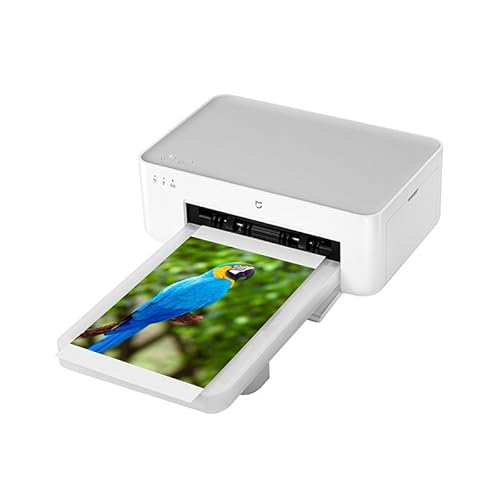
Xiaomi Instant Photo Printer 1s Set
- Excellent value under ~$70.
- Crisp, vibrant prints from your iPhone.
- Very compact; great gift option.
6

8.5
ProductLust
Score
Score
Canon IVY 2 Mini Photo Printer
- Sleek, pocket-friendly design.
- Vibrant 2×3″ prints with peel-and-stick paper.
- Smooth Bluetooth connectivity.
7
8.3
ProductLust
Score
Score
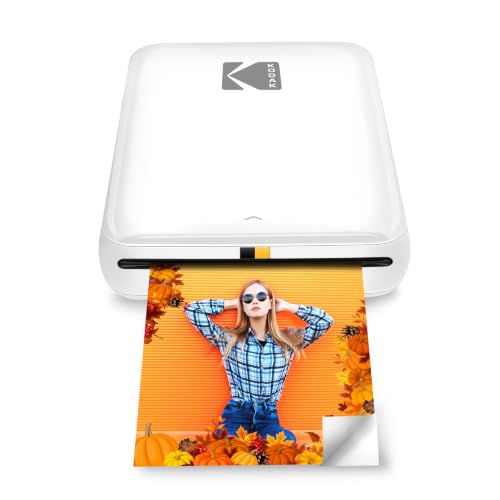
Kodak Step Mobile Instant Photo Printer
- Ink-free ZINK printing technology.
- Affordable portable printer for simple fun photos.
- Quick Bluetooth pairing with iPhone.
8
8.2
ProductLust
Score
Score
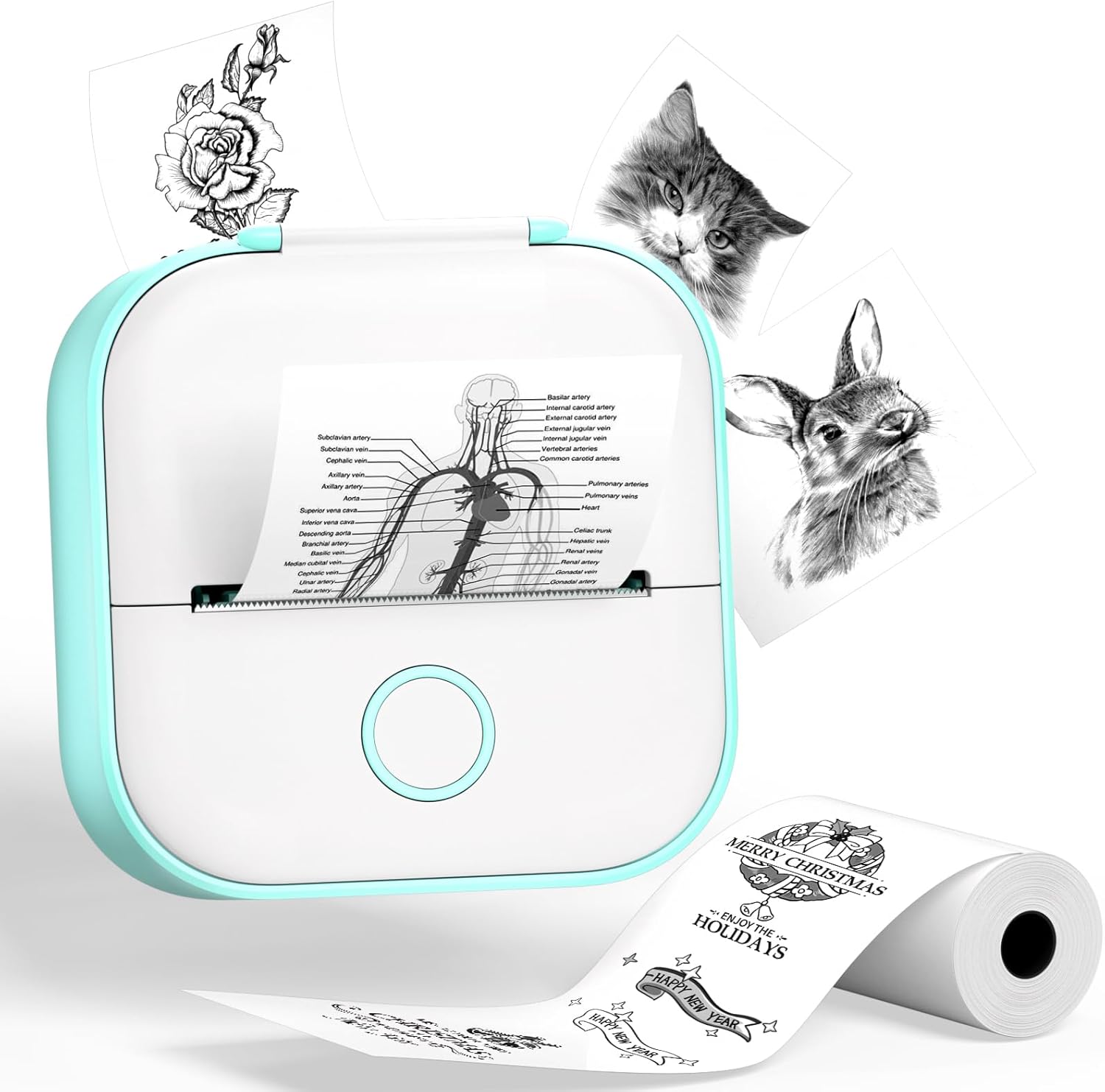
Phomemo T02 Inkless Mini Sticke Printer
- Very budget-friendly and ink-less design.
- Sharp black-and-white prints and stickers.
- Compact for travel or journaling.
9

8.0
ProductLust
Score
Score
Sharper Image Smartphone Photo Printer
- Classic portable printer with balanced features.
- Works well for casual photo printing.
- A good mid-range choice.
Explore other best lists
References
- The best iPhone printer: take photos and print them out on the moveDigital Camera World
- The best portable photo printers, tested and reviewedTech Advisor
- Pick The Best iPhone Photo Printer For YouiPhone Photography School
About this list
Last Updated
Sep 28, 2026
Number of items
9
How we came up with this list
ProductLust's reviewed multiple sources, including Digital Camera World, Tech Advisor and iPhone Photography School. These sources provide comprehensive reviews and ratings based on user-friendly features and size. We identified models like the Fujifilm Instax Mini Link 3 Smartphone Printer, Canon SELPHY QX20 Compact Photo Printer and HP Sprocket Photo Printer as the best options in this price range.
Frequently asked questions
A portable photo printer for iPhone is a small, wireless device that allows you to print photos directly from your iPhone without using a computer or traditional printer. These printers connect through Bluetooth or Wi-Fi and are designed for travel, home use, and instant photo printing.
Most portable photo printers connect to an iPhone using Bluetooth. Some higher-end models use Wi-Fi or QR-code pairing for more stable connections and better print quality. Printing is handled through a dedicated iOS app provided by the manufacturer.
Yes. Portable photo printers do not need an internet connection to print photos. Once the app is installed on your iPhone, printing works offline using Bluetooth or local Wi-Fi.
Many portable photo printers are ink-free. They typically use either ZINK (zero-ink) technology or dye-sublimation printing. ZINK printers use heat-activated paper, while dye-sublimation printers use all-in-one cartridges that include both ink and paper.
ZINK printing is faster and more affordable, making it ideal for casual snapshots and sticker photos. Dye-sublimation printing produces higher-quality, more durable images with better color accuracy and fade resistance, but usually costs more per print.
A dye-sublimation mobile photo printer is a portable printer that uses heat to transfer dye onto photo paper through a multi-step process. Instead of spraying ink onto the surface, it turns solid dyes into gas that embeds directly into the paper, producing smooth, continuous color and a professional photo finish.
Most dye-sublimation mobile photo prints are water-resistant and smear-resistant because the dye becomes part of the paper and a final protective layer seals the image. This makes them more durable than many sticker-style prints.
Most portable photo printers print small photo sizes such as 2×3 inches, 3×4 inches, or square formats. These sizes are designed for portability and creative use rather than large photo enlargements.
Dye-sublimation prints are usually water-resistant and less likely to fade over time. ZINK prints are typically smudge-proof and tear-resistant, but may fade faster if exposed to heat or direct sunlight.
Yes. Most portable photo printers require a companion app that lets you edit photos before printing. Editing features often include cropping, filters, brightness adjustment, borders, stickers, text overlays, and collage layouts.
Portable photo printers are very popular for scrapbooking, journaling, planners, and memory books. Many models print on adhesive-backed photo paper, allowing you to stick photos directly onto pages without glue.
Print longevity depends on the printing technology and storage conditions. Dye-sublimation prints can last decades when kept away from direct sunlight. ZINK prints are best for short-term keepsakes and casual use.
Yes. Most portable photo printers print in full color. Some ultra-compact or budget models may print only in black and white, but the majority of iPhone-compatible photo printers support color printing.
Print times vary by model and technology. ZINK printers typically print in under a minute, while dye-sublimation printers may take slightly longer due to layered color printing.
Yes. Portable photo printers are commonly used at parties, weddings, baby showers, and events because they allow guests to instantly print photos from their phones and take home physical keepsakes.
Photo paper costs vary by printer type. ZINK paper is usually cheaper upfront, while dye-sublimation paper costs more but includes ink in the price. Per-print costs typically range from low to moderate depending on brand and size.
Most portable photo printers do not support Apple AirPrint. Instead, they rely on manufacturer apps that provide editing tools and optimized print settings specifically for mobile photo printing.
Yes. Many portable photo printers allow multiple users to connect through the app, making them ideal for group settings, parties, and shared family use.
Portable photo printers are worth it for anyone who enjoys physical photos, creative projects, or instant keepsakes. They are especially useful for travelers, parents, scrapbookers, and social gatherings where quick photo printing adds value.
Important factors include print quality, photo size, paper cost, connection type, battery life, app experience, and portability. The best choice depends on whether you prioritize fun instant prints or long-lasting photo quality.